I am new to AI. In 5 minutes, teach me what you can do for me. First ask me two short questions about my day. Then show me one useful thing you can do right now, using my answers. Use plain words, no jargon. End by telling me what to ask you tomorrow.
Poly A1 · iPhone · Android
You already have a free, smart AI on your phone
Photograph a paper: your AI explains it and writes the reply for you. Free.
Today your AI will:
- Read a photo of a letter or bill and say what they want and by when
- Write the reply for you, in plain words
- Check a suspicious message before you answer it
More
Poly A1 gives you the words that make it teach you, shows where the free smart modes are, and then walks you to an AI that does the work for you on a laptop.
Step 1. The AI is already on your phone
Nothing to install. Meta AI lives in WhatsApp, Facebook, Instagram, Messenger and Threads; Gemini is already inside Google Search (AI Mode), Gmail and Maps. Tap a button: the AI opens, and our words teach you what it can do for you. In these chats it answers and helps; the thinking button is in step 2.
In WhatsApp, Facebook, Instagram, Messenger
Meta AI
The blue circle in your chats. The button opens a chat with Meta AI in WhatsApp, with the words already written. No WhatsApp? Open meta.ai in your browser.
In Google Search, Gmail and Maps
Gemini
Gemini is already inside Google: tap AI Mode under the search box in the Google app or on google.com, or the Gemini diamond in Gmail and Maps. Nothing to install. Copy the words, open it, paste.
ChatGPT or another AI
Already have an AI?
Copy the same words into the AI you use: ChatGPT, Claude, Copilot, any of them.
Step 2. A smart AI, free: install one app
More
The chats of step 1 have no thinking button. Two free apps have it: Meta AI has one button, Thinking; DeepSeek has two, DeepThink and Search. Install one of them (or open its site) and switch the button on.
Free · one button: Thinking
The Meta AI app: Thinking
Think this through step by step before you answer. My situation: [write it here in your own words]. Ask me what you need to know, then give me three options, the pros and cons of each, and the one you would choose.
Install the Meta AI app or open meta.ai, switch on Thinking, paste the words. Free, no subscription. In the same app Meta AI also makes pictures and turns a photo into a short video, free every day. Elsewhere free video is rare: Gemini makes video only on a paid plan, ChatGPT and Claude make none.
Free · two buttons: DeepThink + Search
DeepSeek: DeepThink + Search
Search the web and think it through. My question: [write it here]. Answer in plain words, show the sources you used with their dates, and tell me what you are not sure about.
Install the DeepSeek app or open chat.deepseek.com, sign in with email, Google or Apple. Switch on DeepThink (it thinks longer) and Search (fresh facts from the web), paste the words. Free, no subscription. Not available in some countries: then use Meta AI or Gemini.
Button names checked on October 18, 2026. They change, so the monthly update re-checks them.
Step 3. A free agent: it does the task itself
More
In the US and Canada you can now get a free AI agent: Muse by Meta sorts your mail, fills in forms and prepares purchases, asking your “yes” before it sends or pays. Poly gives it the exact words and a second AI to check its work. Then the laptop: Claude Code builds for you, works through all your files and runs a council of AIs: the workshop, not just the secretary.
Task 1 · mail
Muse sorts your mail
Go through my inbox: group the new emails into “answer today”, “pay”, “read later” and “junk”. Draft replies to the top three and show them to me before sending. Then do the same every morning.
Task 2 · a form
Muse fills in the form
Fill in this form for me: [site or name]. Use what you already know about me; ask me only what is missing. Stop before “Submit” or “Pay” and show me a summary.
Task 3 · a purchase, up to “Pay”
Muse prepares the purchase
Find [what] under [price], compare three options, put the best one in the cart and stop before payment. Show me: price, delivery, return terms.
Why a laptop, and Claude Code or Codex, are worth it
More
Muse is a secretary for errands. A laptop with Claude Code is a workshop: your whole folder at once, with a copy before every change and “put it back as it was”; your own programs and tools made for your task; plugins; work all night; a council of several AIs; almost any country. In your first week:
- a folder of papers turned into one table with every deadline
- a morning page that writes itself: what is due today, who waits for your reply
- work that runs overnight and is ready when you wake up
Where are you now?
I have a laptop and Claude or ChatGPT
Go straight to the laptop. Paste one line into Claude Code or Codex, and it teaches you step by step.
I have a laptop, but no paid plan
Start today, free: Codex works with a regular ChatGPT account. When you like it, Claude Pro is $20 a month ($17 if you pay for a year), and Claude Code comes with it. Prices checked October 18, 2026.
I have no laptop
It is worth getting one. Any Windows or Mac laptop from the last few years is enough, and used ones are cheap. Until then, everything above works on your phone.
We do not teach you. Your AI does
We give you the words. You paste them into the AI you already have, and it teaches you. On the laptop, Claude Code takes over and leads you step by step. We give it a mentor: free open plugins and a guide that lives in its memory.
On your phone, today
On your phone, today: 18 ready jobs
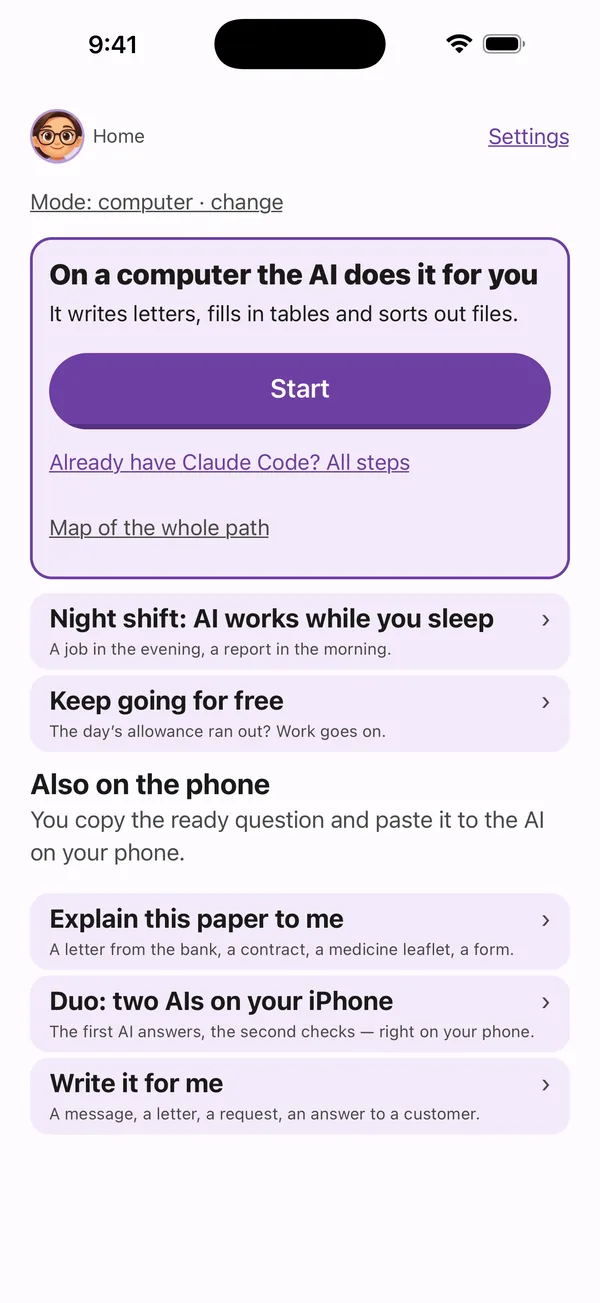
Explain a paper, sort your mail by photo, check a bill, spot a suspicious message, and more. Copy the ready question into the AI you already use — ChatGPT, Gemini, Meta AI or another. No laptop needed.
- Sort my mailResult: each letter in one line: who wrote, what they want, the deadline, the first step.
- A suspicious text or emailResult: a clear verdict, scam or not, before you tap anything.
- Bill: pay it or not?Result: pay it or not, with the bank details checked against your last bill.
- Extra subscriptionsResult: a list of the subscriptions you forgot, with what each costs a month.
- Morning summaryResult: one short page: what is due today and who is waiting for your answer.
- Let a second AI checkResult: one answer, checked by an AI from another company, with the differences named.
iPhone
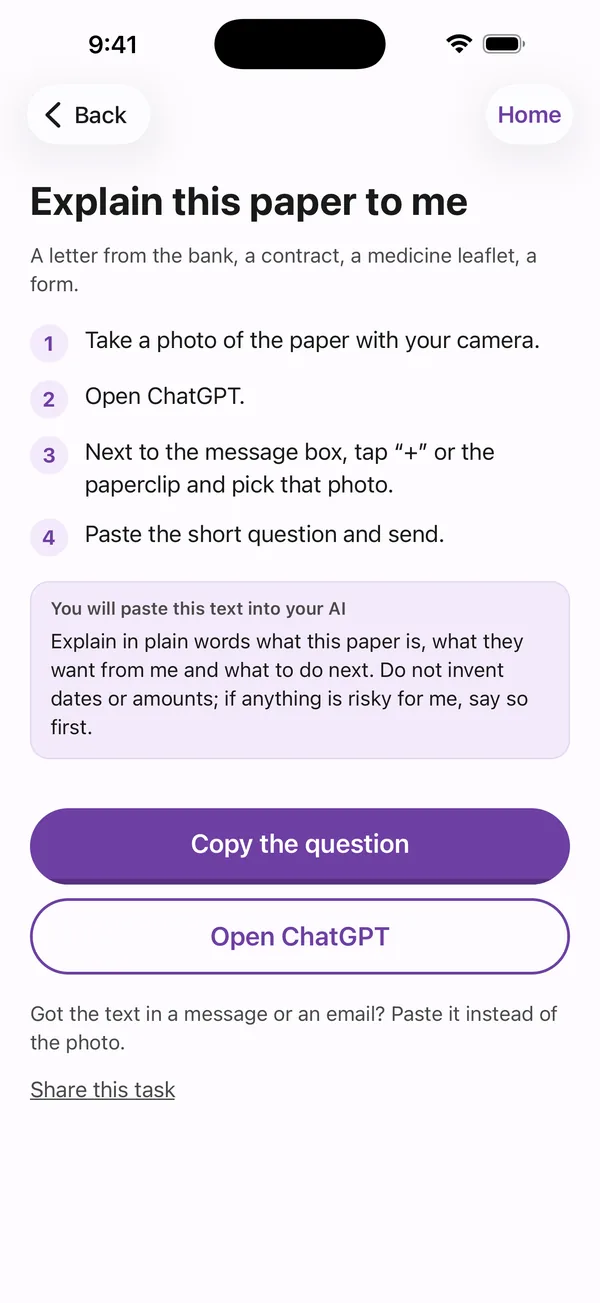
Duo: Claude and ChatGPT check each other right on your iPhone
Through the apps you already have — no extra subscription, no keys. One answers, the other checks, and you get one finished answer. On Android it runs on its own, on free AIs; Trio adds a third voice — free. Your own ChatGPT and Claude, on your own free accounts. No server of ours in between. First on phones — as of October 2026.
Free AI key in 1 minute
A one-minute video: how to get a free Gemini key in Google AI Studio and paste it into Duo. The free tier has daily limits, some models are paid only, and your key stays on your phone.
On your computer
Tell it in plain words. It does the work — and asks before every payment
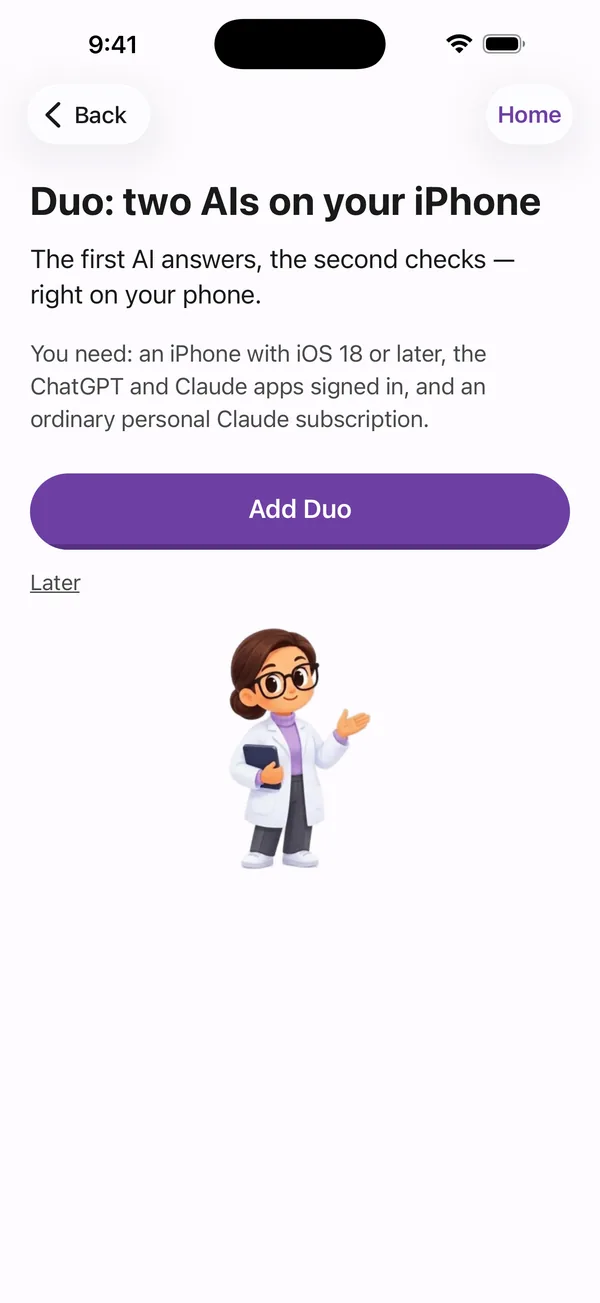
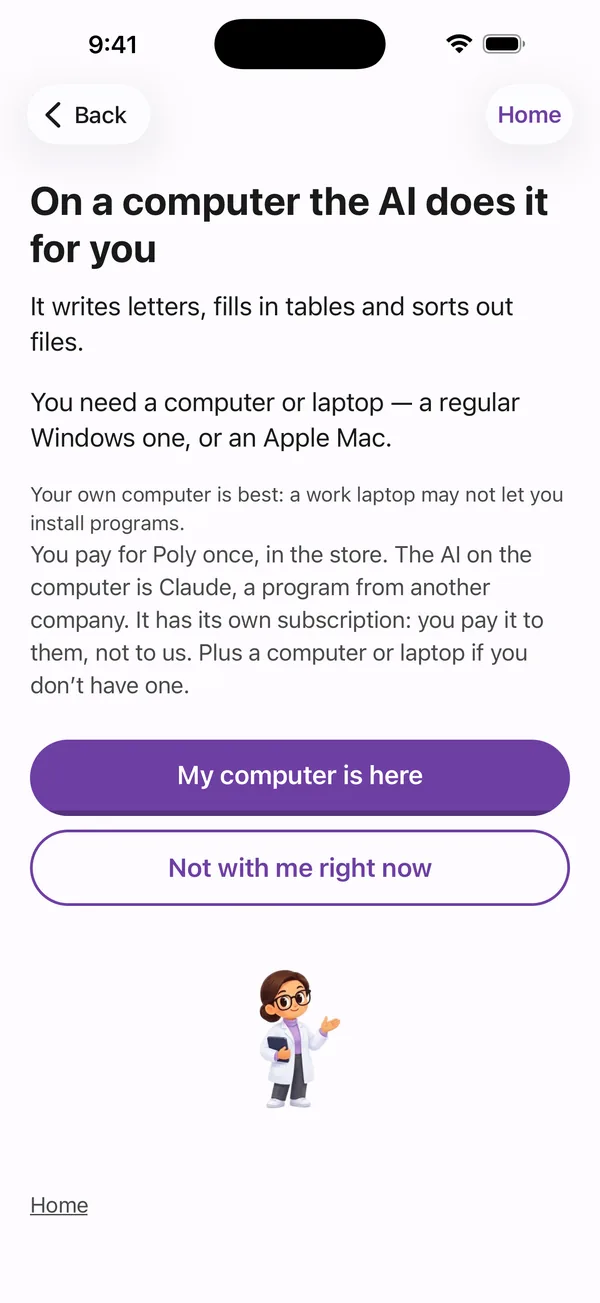
An AI agent on your computer writes letters, fills in tables and sorts out files. Poly A1 gives you the words for each step: the chat you already use helps you set up Claude on your computer — then the agent itself shows you the rest.
For example
You typePut every contract from Downloads into one folder and make a table of dates.
AgentFound 14 files. Move them? Yes
DoneOne folder and one table of dates.
Download free
The link will appear here on release day.
My path
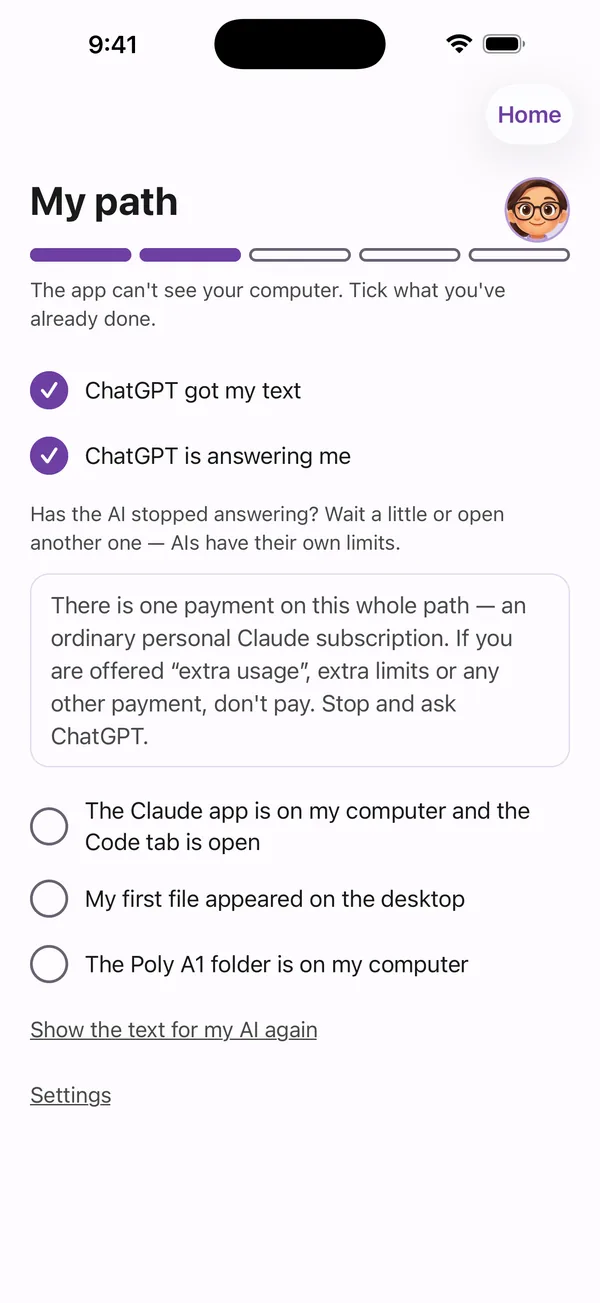
Five steps on My path. It remembers where you stopped
You tick what’s done with one tap — and pick up right where you left off. Not at your computer right now? Pick a time, and Poly A1 reminds you gently: at most three times, never at night.
AI Council
AI Council: what 10 AIs do with gold, oil and the S&P today
Every trading day, ten AIs from different companies say what they would do with gold, oil and the S&P 500 — and where they disagree. It is free to read on Poly Trends. In the app, the Council is on the Home screen — the “AI Council · Markets” card. Read today’s Council
Your data
What’s yours stays on your phone
- No account, no sign-in
- Poly A1 collects nothing about you
- No ads, no tracking
- One button erases everything
Why Poly
Start free. Add a paid agent only if you need it.
If you already pay for an AI agent (Claude Cowork, ChatGPT agent — paid AI plans from about $20 a month; free tiers exist), Poly shows you how to get much more out of it. If you don't, start free here: the phone jobs, Duo and Trio, the open plugins and the first 8 laptop steps cost nothing.
Free cross-check of 2–3 AIs
- Free bridge: begin at no cost, and add a paid agent only when you need it.
- Free cross-check: two or three AIs from different companies check each other, with no account.
- Copy, confirm, put it back: a copy before every change, and “put it back as it was” always works.
- Fresh: every step carries its own check date against the official documentation; last review: October 18, 2026.
- 11 languages, the same path in each.
- Private: no account. Your photos and texts stay with you. One button erases everything.
Also on your computer
- Ask your laptop from your phone: Claude Code keeps working at home, and you steer it from the phone.
- Mail and calendar on your computer — your agent, your accounts, nothing passes through us.
- A cold critic checks your work: a fresh AI that has not seen your draft looks for what is wrong.
- One command to start: in Claude Code, type /poly-start.
Questions
Is it safe to let an agent touch my files?
Yes. You see what the agent wants to do before it does it, and you say yes. It keeps a copy before it changes a file, and “put it back” always works. It asks before every payment; it buys on its own only within the limit you set, and only if you turn that on. Poly A1 lives on your phone and gives you the words — your computer and your accounts stay yours.
What do I need to start?
On the phone, an internet connection is enough. On a computer: a Mac or Windows computer and the chat you already use. The app tells you the rest, step by step.
Do I need to know how to code?
No. You talk to the agent in your own words. Every step is ready text: copy it and paste it.
Is Android the same as iPhone?
Yes: the same path, the same steps and the same ready words. Duo — two AIs that check each other on the phone — is there too: on iPhone it runs in Apple’s Shortcuts app, on Android right inside Poly A1, on free AIs with your free key.
Why use this if Claude Cowork or ChatGPT agent already exist?
Poly is free, needs no account, and has AIs from several companies check each other. It keeps a copy before every change and can put it back, and you learn on your own papers. If you already pay for an agent, we show how to get much more from it.
Is this just a pile of prompts?
No. It is not 1,900 prompts but a path: you do a step, see a result, and go on. The AI asks before every payment (it buys on its own only within the limit you set, and only if you turn it on) and keeps a copy before it changes a file.
Start on your phone. Let the agent do the work on your computer.
Download free
The link will appear here on release day.
Made by PolyHelper, New York