Poly · iPhone · Android
You already have a free, smart AI on your phone
Photograph a paper: your AI explains it and writes the reply for you. Free.
Today your AI will:
- Read a photo of a letter or bill and say what they want and by when
- Write the reply for you, in plain words
- Check a suspicious message before you answer it
More
Poly gives you the words that make it teach you, shows where the free smart modes are, and then walks you to an AI that does the work for you on a laptop.
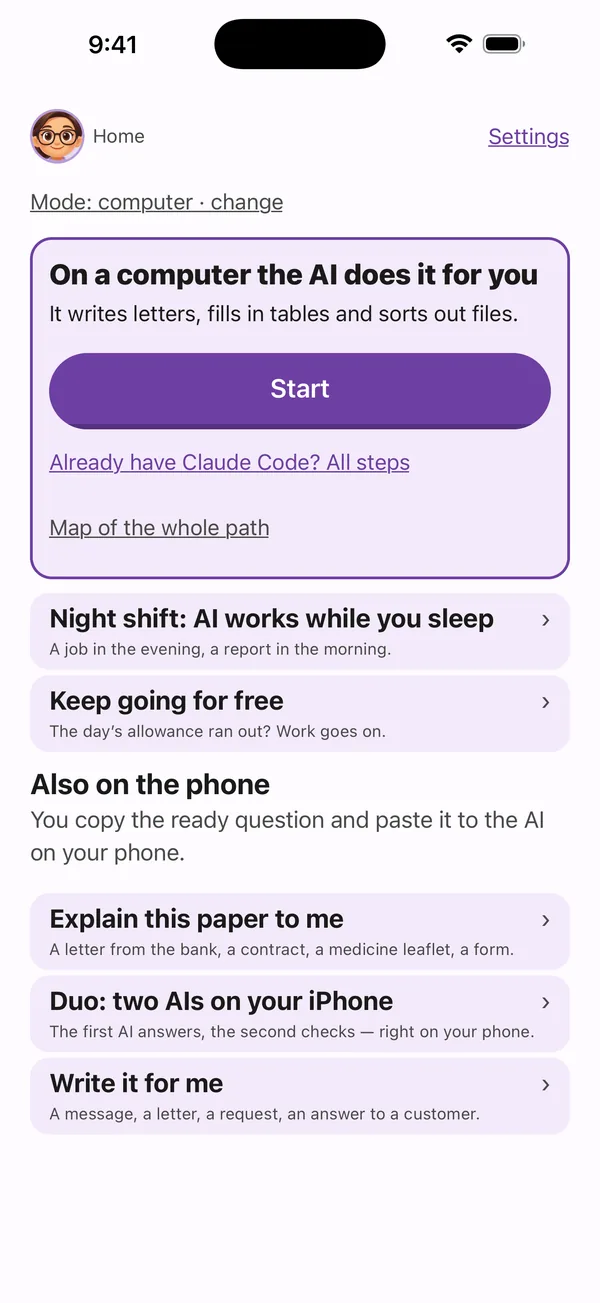
Ready phrases for your AI are inside the app
18 ready jobs for the AI you already use, plus the words for Meta AI, Gemini, DeepSeek and Muse. Install the app, tap, paste.
Download free
On your phone, today
On your phone, today: 34 ready jobs
Explain a paper, sort your mail by photo, check a bill, spot a suspicious message, and more. Copy the ready question into the AI you already use — ChatGPT, Gemini, Meta AI or another. No laptop needed.
- Sort my mailResult: each letter in one line: who wrote, what they want, the deadline, the first step.
- A suspicious text or emailResult: a clear verdict, scam or not, before you tap anything.
- Bill: pay it or not?Result: pay it or not, with the bank details checked against your last bill.
- Extra subscriptionsResult: a list of the subscriptions you forgot, with what each costs a month.
- Morning summaryResult: one short page: what is due today and who is waiting for your answer.
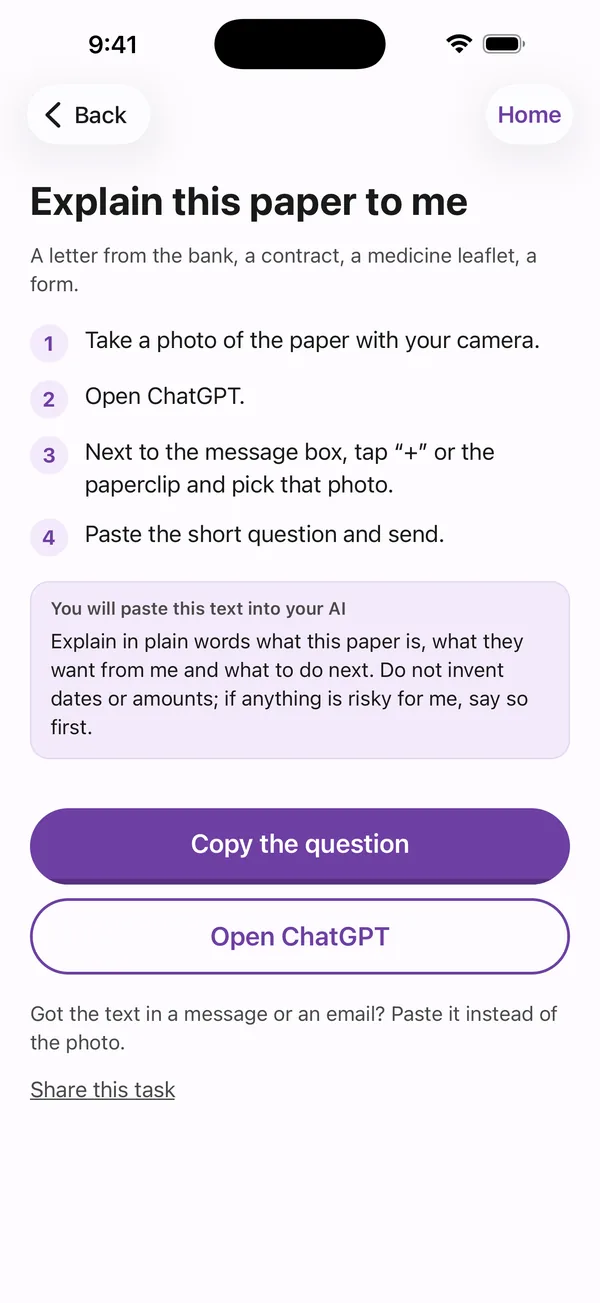
- Let a second AI checkResult: one answer, checked by an AI from another company, with the differences named.
iPhone
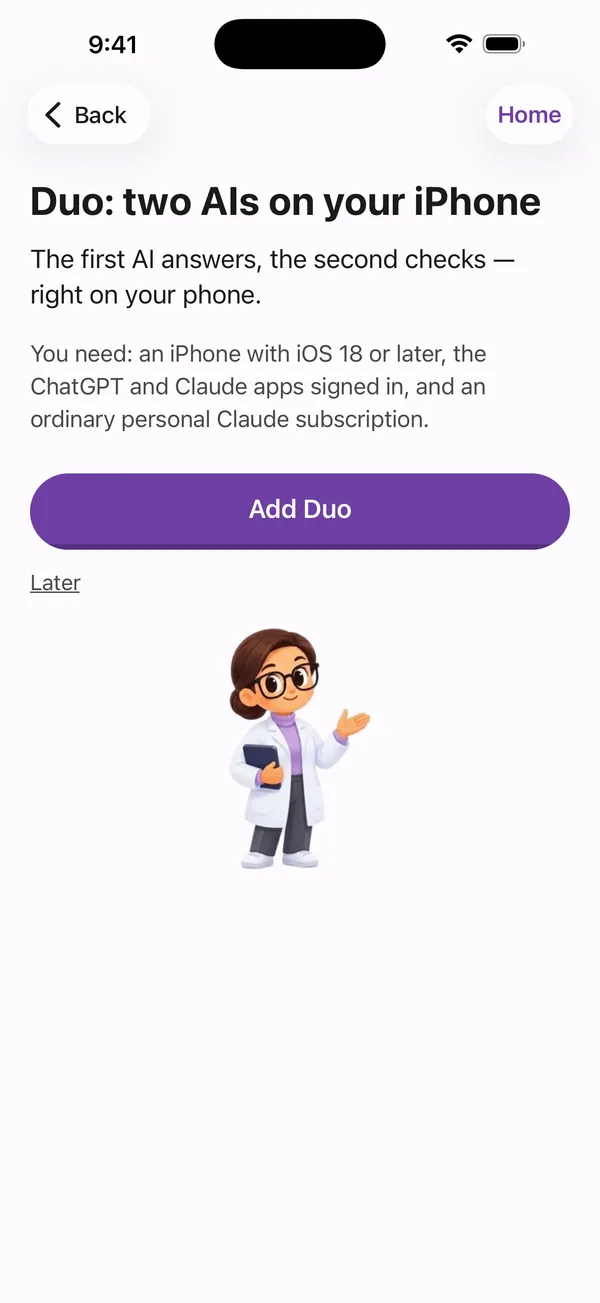
Duo: Claude and ChatGPT check each other right on your iPhone
Through the apps you already have — no extra subscription, no keys. One answers, the other checks, and you get one finished answer. On Android it runs on its own, on free AIs; Trio adds a third voice — free. Your own ChatGPT and Claude, on your own free accounts. No server of ours in between. First on phones — as of October 2026.
Free AI key in 1 minute
A one-minute video: how to get a free Gemini key in Google AI Studio and paste it into Duo. The free tier has daily limits, some models are paid only, and your key stays on your phone.
On your computer
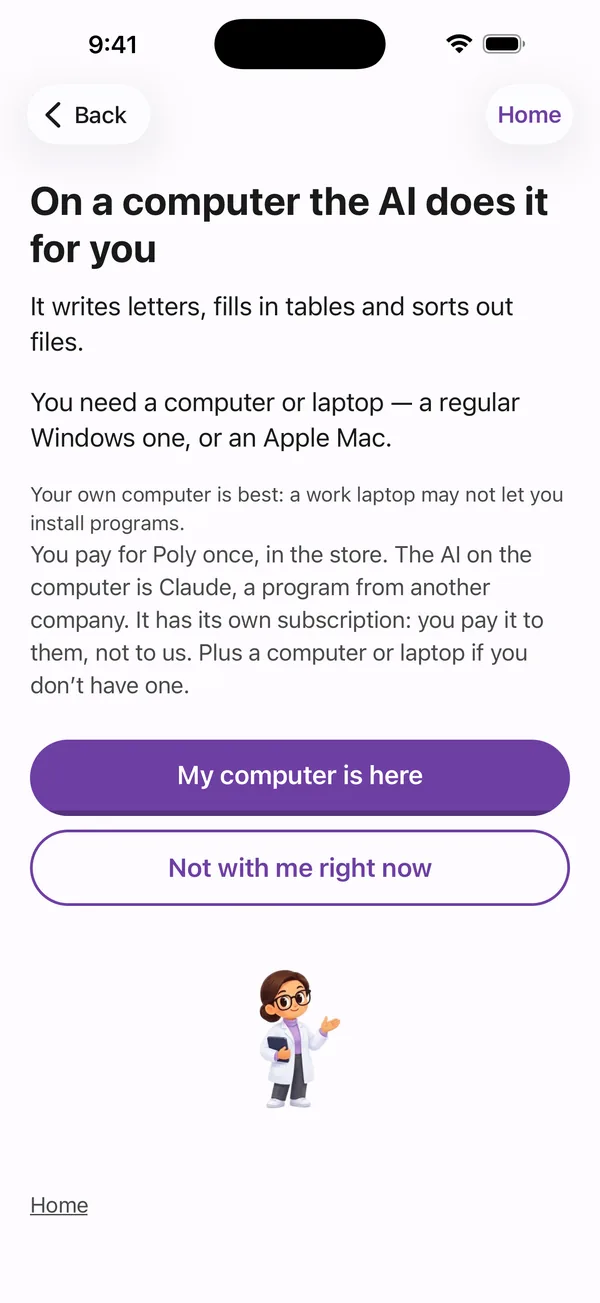
Tell it in plain words. It does the work — and asks before every payment
An AI agent on your computer writes letters, fills in tables and sorts out files. Poly gives you the words for each step: the chat you already use helps you set up Claude on your computer — then the agent itself shows you the rest.
For example
You typePut every contract from Downloads into one folder and make a table of dates.
AgentFound 14 files. Move them? Yes
DoneOne folder and one table of dates.
Download free
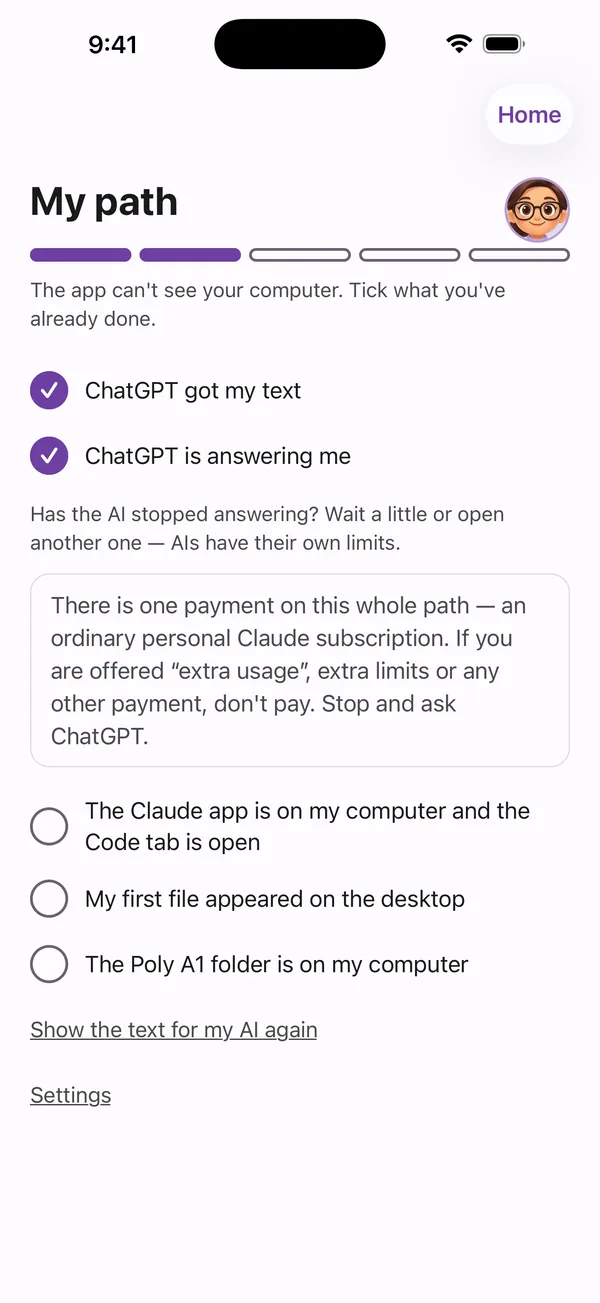
My path
Five steps on My path. It remembers where you stopped
You tick what’s done with one tap — and pick up right where you left off. Not at your computer right now? Pick a time, and Poly reminds you gently: at most three times, never at night.
Free open plugins: what each one does for you
They add to the Claude Code you already have. Each one is free and open.
 nightcall — work runs overnight, and the result is waiting in the morning.
 mailcall — reads your mailbox without changing anything and writes a morning summary: what matters, who awaits your reply.
 pocketcall — finds why your phone remote stopped working and shows every running job on one screen.
 duocall — asks an AI from another company before you act on an answer, and names every difference.
 safecall — copies a file before the AI changes it, and puts it back on request.
Words you will meet
- Laptop that checks bills: it handles your mail, meetings and bills, opens the day with a morning page, and pays only as far as you allow.
- Duo: two AIs from different companies check each other.
- Trio: a third AI looks for what the first two missed.
- Council: AIs from different companies say what they would do with gold, oil and the S&P 500.
- Council at full strength: several AIs think over one question together, and AIs from other companies check every change an AI makes in code (with the in-app subscription).
- Code check: other companies' AIs check your code change.
AI Council
AI Council: what AIs from different companies do with gold, oil and the S&P today
Every trading day, AIs from different companies say what they would do with gold, oil and the S&P 500 — and where they disagree. It is free to read on Poly Trends. In the app, the Council is on the Home screen — the “AI Council · Markets” card. Read today’s Council
Your data
What’s yours stays on your phone
- No account, no sign-in
- Poly collects nothing about you
- No ads, no tracking
- One button erases everything
Why Poly
Start free. Add a paid agent only if you need it.
If you already pay for an AI agent (Claude Cowork, ChatGPT Work — paid AI plans from about $20 a month; free tiers exist), Poly shows you how to get much more out of it. If you don't, start free here: the phone jobs, Duo and Trio, the open plugins and the first 8 laptop steps cost nothing.
Free cross-check of 2–3 AIs
- Free bridge: begin at no cost, and add a paid agent only when you need it.
- Free cross-check: two or three AIs from different companies check each other, with no account.
- Copy, confirm, put it back: a copy before every change, and “put it back as it was” always works.
- Fresh: every step carries its own check date against the official documentation; last review: October 18, 2026.
- 11 languages, the same path in each.
- Private: no account. Your photos and texts stay with you. One button erases everything.
Also on your computer
- Ask your laptop from your phone: Claude Code keeps working at home, and you steer it from the phone.
- Mail and calendar on your computer — your agent, your accounts, nothing passes through us.
- A cold critic checks your work: a fresh AI that has not seen your draft looks for what is wrong.
- One command to start: in Claude Code, type /poly-start.
What learners say
Vadym helped me discover possibilities of AI that I simply wasn’t aware of before. The learning process is still ongoing, but many things have already become much clearer to me.
Most importantly, my whole approach to working with AI has changed. Before, I mainly used ChatGPT and Claude as chat assistants. He showed me that they can be much more than that and helped me understand how AI can become part of a real workflow. Thank you :)
Vadym many thanks for organizing this training. I like it very much: as everything is very comprehensive, not complicated and you as a tutor always clearly respond to any question. It’s always interesting and I’m happy to discover something more in the world of AI, even though I had already both - basic and advanced courses of the AI in IT completed. I’m looking forward to learn hear more. Thank you very much for organizing this course! 😊
I like Claude Code. I have only been using it for a short time, but I have already come to appreciate how simple and easy it is to use. What I especially like is that you don’t have to be a programmer or have advanced technical knowledge to work with it.
It can handle many of the tasks I need in my everyday work, and that makes me really happy. It can generate images, organize them, work with information on websites, collect useful data, browse websites, and carry out many different tasks almost independently.
I’m very glad that I discovered this program. It is especially nice to realize that some of the work I used to have to do myself can now be handled by an assistant like this. It makes many processes much easier and saves a lot of time.
I think Claude Code is a tool that makes modern technology much more accessible to ordinary people, even if they are not programmers. I’m only just beginning to use it, but I’m already very happy that I discovered it.
Claude Code really impressed me, to be honest. I’d heard about things like this before, but for some reason I had never really paid much attention to it.
What surprised me most is that it can actually work with files and folders on your computer - create documents, organize files, find mistakes and fix them. And now I can even give it tasks by voice. That’s a real bonus for me 😁
What I especially like about this training is that we’re doing practically everything with AI, and the AI does most of the actual work. So I’m not just listening to theory - I’m immediately seeing how it works in practice.
I also immediately thought about my bookkeeping. I can already imagine how useful it could be for organizing documents and dealing with all that routine work.
We even cleaned up my desktop. Finally!!! 😂
I really enjoyed the training. For me, the most interesting part was seeing that AI can actually do the work with you, not just answer questions.
This training is explained in such an accessible and clear way. The knowledge you gain here can easily be applied both in a professional context and for personal growth. It's honestly a very engaging and enjoyable learning process!
Questions
Is it safe to let an agent touch my files?
Yes. You see what the agent wants to do before it does it, and you say yes. It keeps a copy before it changes a file, and “put it back” always works. It asks before every payment; it buys on its own only within the limit you set, and only if you turn that on. Poly lives on your phone and gives you the words — your computer and your accounts stay yours.
What do I need to start?
On the phone, an internet connection is enough. On a computer: a Mac or Windows computer and the chat you already use. The app tells you the rest, step by step.
Do I need to know how to code?
No. You talk to the agent in your own words. Every step is ready text: copy it and paste it.
Is Android the same as iPhone?
Yes: the same path, the same steps and the same ready phrases. Duo — two AIs that check each other on the phone — is there too: on iPhone it runs in Apple’s Shortcuts app, on Android right inside Poly, on free AIs with your free key.
Why use this if Claude Cowork or ChatGPT Work already exist?
Poly is free, needs no account, and has AIs from several companies check each other. It keeps a copy before every change and can put it back, and you learn on your own papers. If you already pay for an agent, we show how to get much more from it.
Is this just a pile of prompts?
No. It is not 1,900 prompts but a path: you do a step, see a result, and go on. The AI asks before every payment (it buys on its own only within the limit you set, and only if you turn it on) and keeps a copy before it changes a file.
Duo in 30 seconds
Two AIs answer on their own, then one compares both. Tap to watch; nothing loads until you do.
Start on your phone. Let the agent do the work on your computer.
Download free
Poly · AndroidGoogle PlayPoly · iPhoneApp Store
Made by PolyHelper, New York